Getting the 3D studio ready…
Click an object to select it and drag it to move it. Use “Rotate” to turn it, and the mouse wheel or two fingers to zoom.
Free Digital Paper Mockup Generator
Present your digital paper pack the way buyers like to see it: up to 12 papers stacked, fanned out or in a grid, ready for your listing.
How to make a digital paper pack mockup in 3 steps
- Upload your papers: add up to 12 JPG or PNG files and reorder them with the arrows.
- Arrange them: pick Stack, Fan or Grid, and set how many sheets show and how far apart they are.
- Download in 2K: a JPG with a studio background or a transparent PNG, with a free account.
Recommended design size
Recommended design size: 30.48 × 30.48 cm (3,600 × 3,600 px)
Sized at 300 dpi for sharp prints. Other proportions work too: “Fill” crops them slightly and the adjustments let you choose which part shows.
FAQ about digital paper pack mockups
How many papers can I show?
Up to 12. Use “Visible sheets” to choose how many appear and “Space between sheets” to spread them out.
What size should my papers be?
Square, 3600 × 3600 px (12 × 12 in at 300 dpi). Other proportions are cropped to fill the sheet.
Are my papers uploaded anywhere?
No. They're processed in your browser and stay on your device.
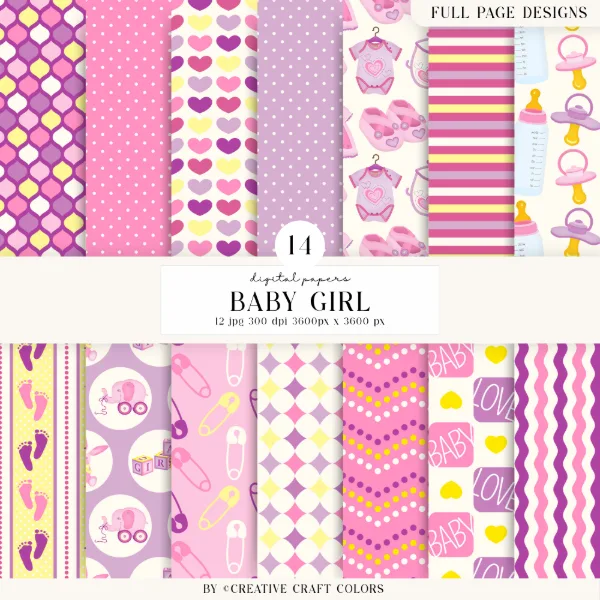
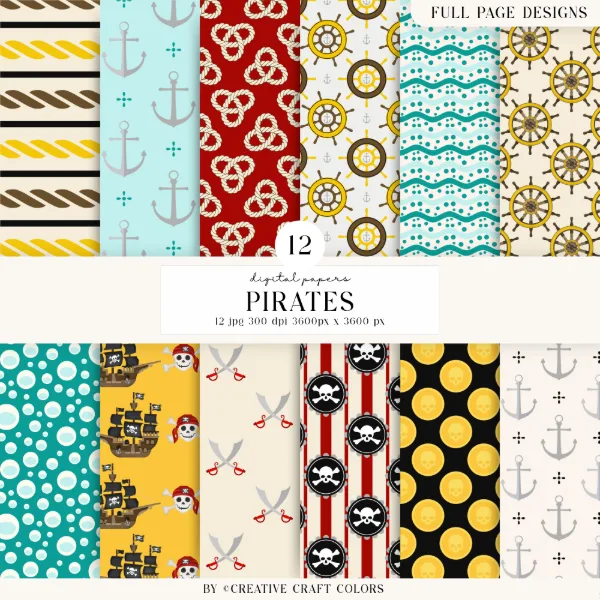
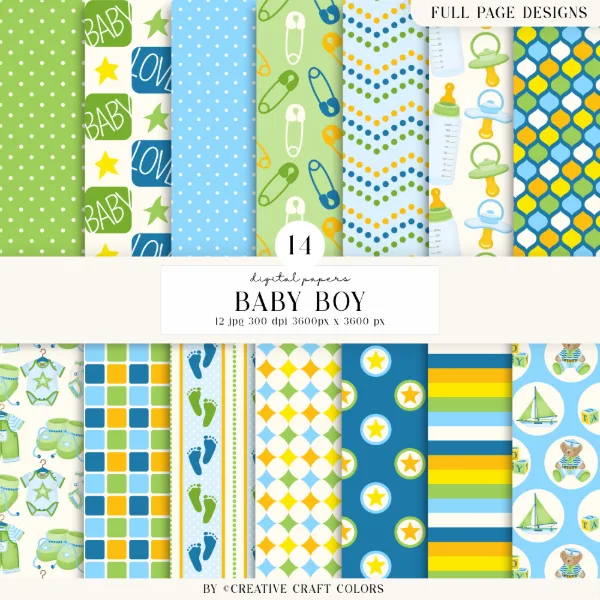
Designs for your digital paper pack on GDM
Find more on GDM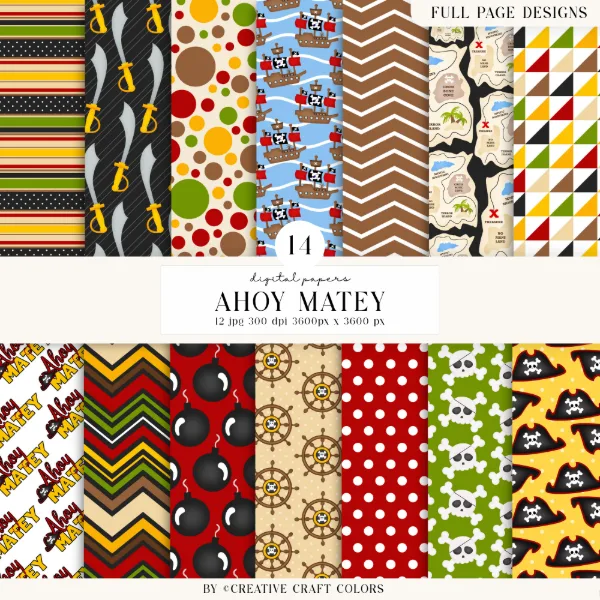


Using GoCreate means you accept the GoCreate terms